E-commerce Clipping: Clips That Sell Without Looking Like Ads
Which products actually travel, which clip shapes read as adverts, what a shop has to hand a clipper, and why your store dashboard will never show you the sales a clip made.
Your CPMs went up again, the creative that worked in spring stopped working, and somewhere in your feed a stranger's clip of a product like yours is doing numbers your ads account cannot buy. That is the situation most shops are in when they ask about clipping. Product clips work. Most of a catalogue does not. Pay-per-view UGC is the buying model behind them. This is the part about the product, the shapes, and what a shop hands over before anyone cuts.
Which products clip and which ones do not
Most of a catalogue does not belong in a campaign. The products that travel are the ones a stranger understands with the sound off: something visual, something with an obvious before and after, something cheap enough to buy on impulse. Under roughly $60 is where most of it sits.
The awkward part is that this is rarely your hero product. High-margin, high-consideration items need explaining, and explaining is what short-form is worst at. Sizing, subscriptions, anything regulated, anything a buyer researches for a week: run those somewhere built for research. Put the impulse item in the campaign and let it carry traffic to the rest.
The shapes that survive the feed
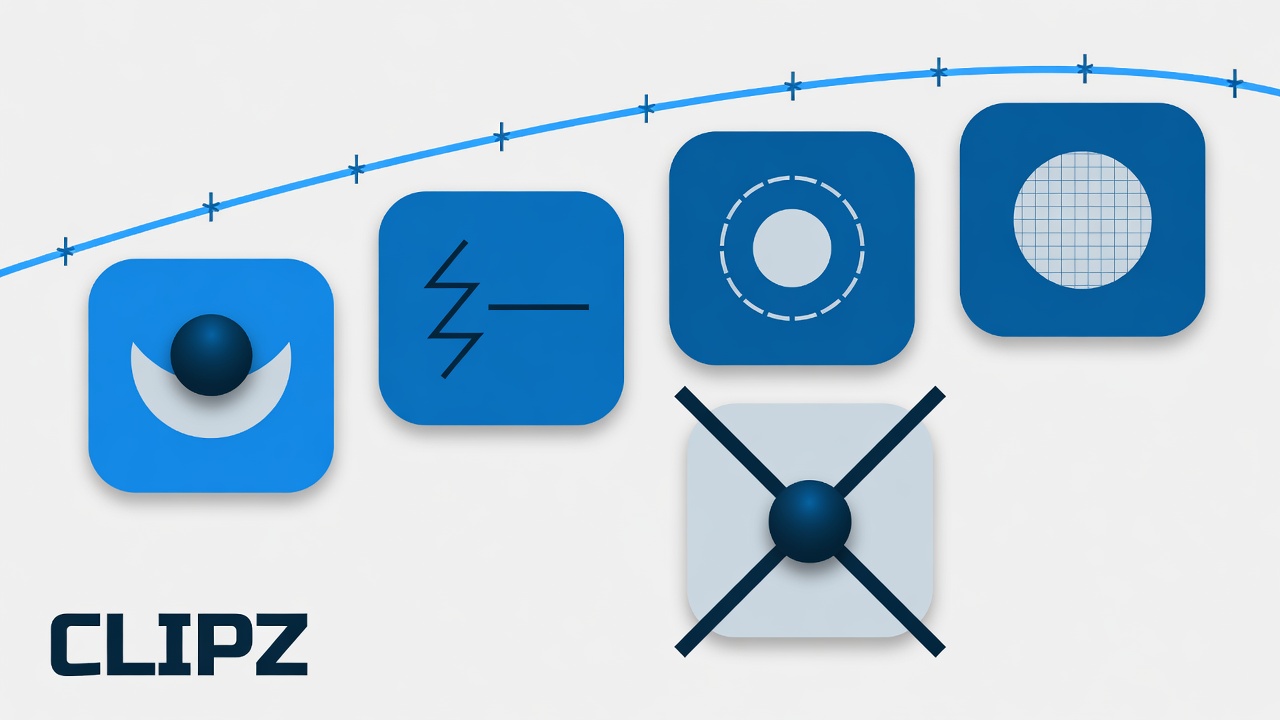
Four shapes do most of the work. The product in a hand, used the way it is actually used, filmed in a kitchen nobody tidied. The problem first: the tangled cable, the stain, the drawer that will not shut, and the product turning up in the last five seconds. The second order, where someone says why they bought it again. And the close-up, held long enough that the texture does the selling.
None of these are styled. That is the point, and it is the part brands resist. A clip that looks like your product page performs like your product page, which is to say it gets scrolled.
What makes a clip read as an advert
Five things get a clip treated as an ad by the feed and by the viewer. A discount code in the first line. A packshot on white. A voiceover reading the specification. Your ad copy pasted into the caption. A watermark from an editor nobody posts from.
Your best paid creative is the worst possible reference clip. It was made to survive an auction, not a feed. Handing it over as an example teaches a hundred people to produce cheaper copies of an ad you already run. The UGC brief is where the prohibitions go, and nothing more.
What the shop actually has to hand over
Three things, and one of them costs money. First, material: twenty seconds of the product being used, shot on a phone, with rights you actually hold. Second, a name people can type. Call it the Model 4 Pro and the search after a clip lands on someone else. Third, stock deep enough to survive a week of attention.
Free units are where shops overspend. Seeding a hundred clippers is a real budget line that mostly ships to nobody. Put the budget into a per-view run first, then send product to the few who already cut something good. Hiring a clipper for a set fee is a different arrangement.
What your store dashboard will not tell you
Views arrive first. Sales arrive later, through search and direct, and your dashboard will credit them to search and direct. There is no clean line from a clip in a feed to a card entered two days later on another device.
So judge it in two halves. You bought views at a rate agreed before anyone cut, so what a verified view should cost settles the first half. For the second, compare a week you ran nothing to a week you did, and watch branded search. If you need a per-sale line before you will spend, paid search is the better channel.
Common questions
What happens to the clips after the campaign ends?
They live on the clipper's own account, so they stay up unless the clipper takes them down. Budget for that. A clip still selling in March was paid for in November, and a clip showing a line you discontinued is still showing it.
We got views and no sales. What went wrong?
Usually the product, not the clips. Impulse items convert from a feed and considered purchases do not. Check the landing next: if the clip showed one thing and the page opens on a category grid, that traffic was always going to leave.
Can I require a discount code in every clip?
You can, and it will cost you twice. Put the code in the caption or the bio, never the first line, and accept that you will not see every sale it made. A required code also shrinks the pool of clippers willing to take the campaign at all.
What if a clip travels while we are out of stock?
That is spend burned, and it happens. Size the cap against the stock you hold, not the stock you hope to reorder. Budgeting a clipping campaign covers the floor under a run and how fast it burns.